
How to Apply for an Occupational Permit in Davao City
Need an Occupational Permit for your job in Davao City? Learn who can apply, which documents to prepare, how to submit the online application, complete official payment, check its status and download the issued permit.
Occupational Permit Requirements & Eligibility
These conditions come from the official 2026 Citizen’s Charter. Additional documents apply only to certain occupations, applicants and circumstances.
Basic Application Documents
- Occupational Permit application form.
- Certificate of Employment.
- Official receipt for service crew, as listed in the Charter.
- Other required documents for your specific category.
Who May Apply?
- Filipino worker aged 18 or above.
- Foreign worker with a DOLE Alien Employment Permit.
- Eligible minor with the required consent and interview.
- Worker without a valid PTR, subject to the service definition.
Special Occupation Requirements
- PSA Birth Certificate, where applicable.
- Parent or guardian identification and consent, where required.
- Health ID for applicable entertainment-related occupations.
- Required interview for affected applicants.
Official Fees & Renewal
- New Permit: ₱125.00
- Updated Renewal: ₱125.00
- Late Renewal: ₱156.25
- 2026 Charter renewal deadline: January 31. Verify future dates.
New Occupational Permit — Step by Step
20 straightforward steps, grouped into four phases. The screenshot areas are ready for your own guide images, and you can enlarge each image after adding its URL.
Eligibility & Documents
Confirm you qualify and prepare the supporting records.
Check Whether You Need an Occupational Permit
Davao City issues this permit to workers or employees who do not hold a valid Professional Tax Receipt (PTR), including temporary and permanent workers. Check which requirement applies to your occupation.
Confirm Your Eligibility
Filipino workers aged 18 or above can apply. Foreign workers need a DOLE Alien Employment Permit. Applicants under 18 may apply only where employment is legally permitted, with additional consent and interview.
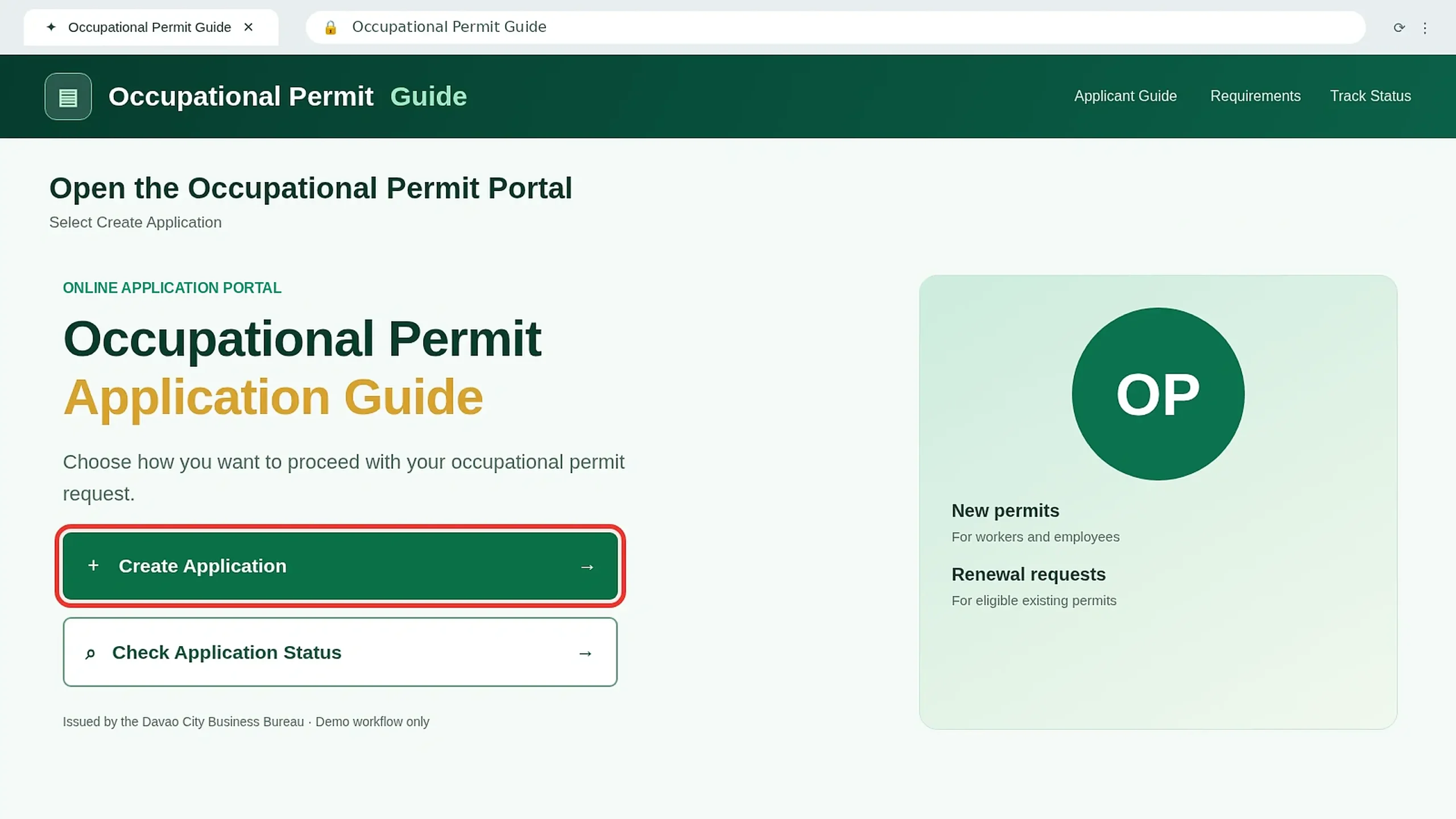
Open the Official Occupational Permit Website
Visit occupationalpermit.davaocity.gov.ph . If the portal is unavailable, follow official Business Bureau instructions.
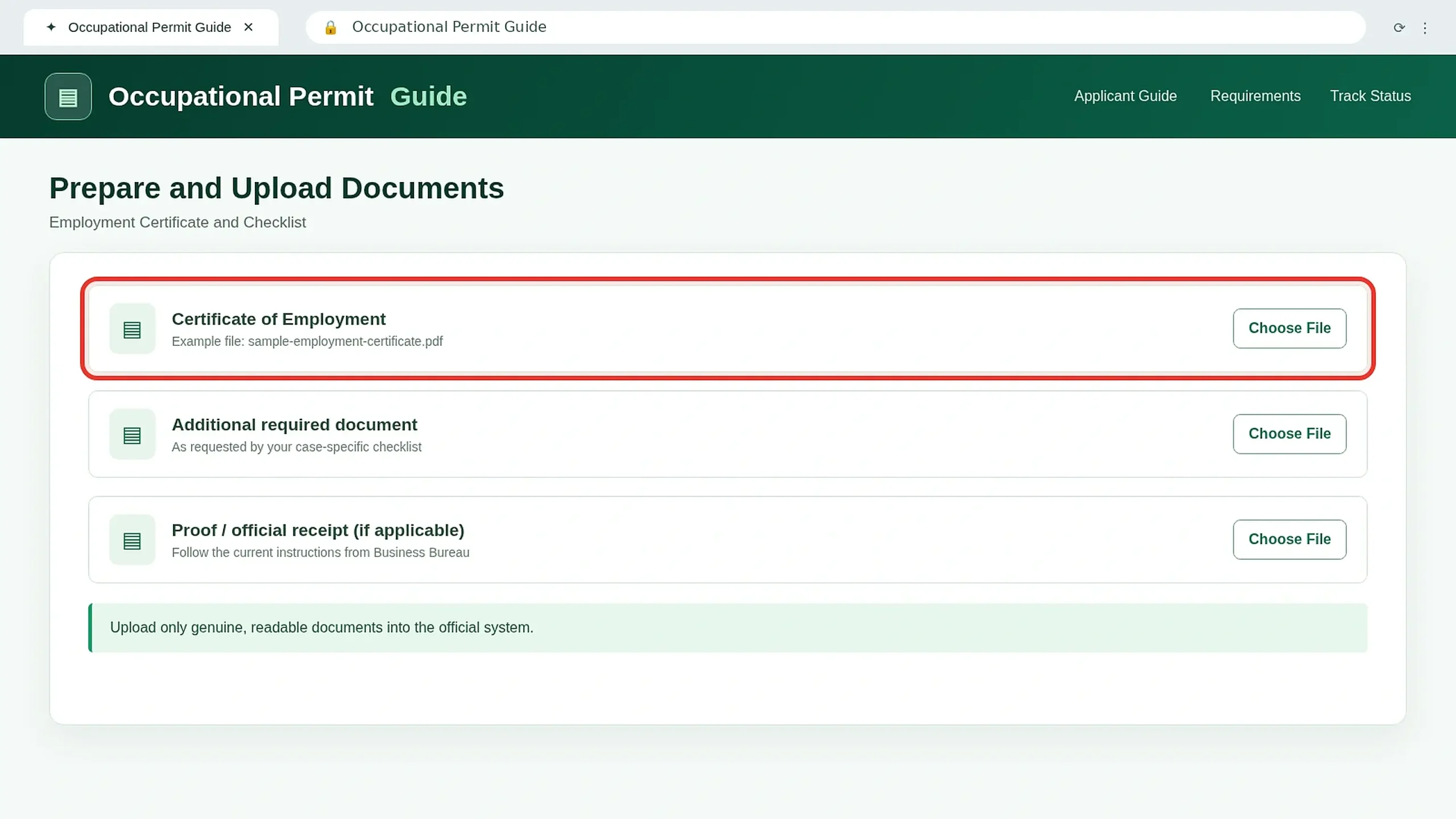
Prepare Your Employment Certificate
Request your Certificate of Employment from your employer. Confirm that your name and employment details are correct.
Online Application
Enter your details, upload documents and review the form.
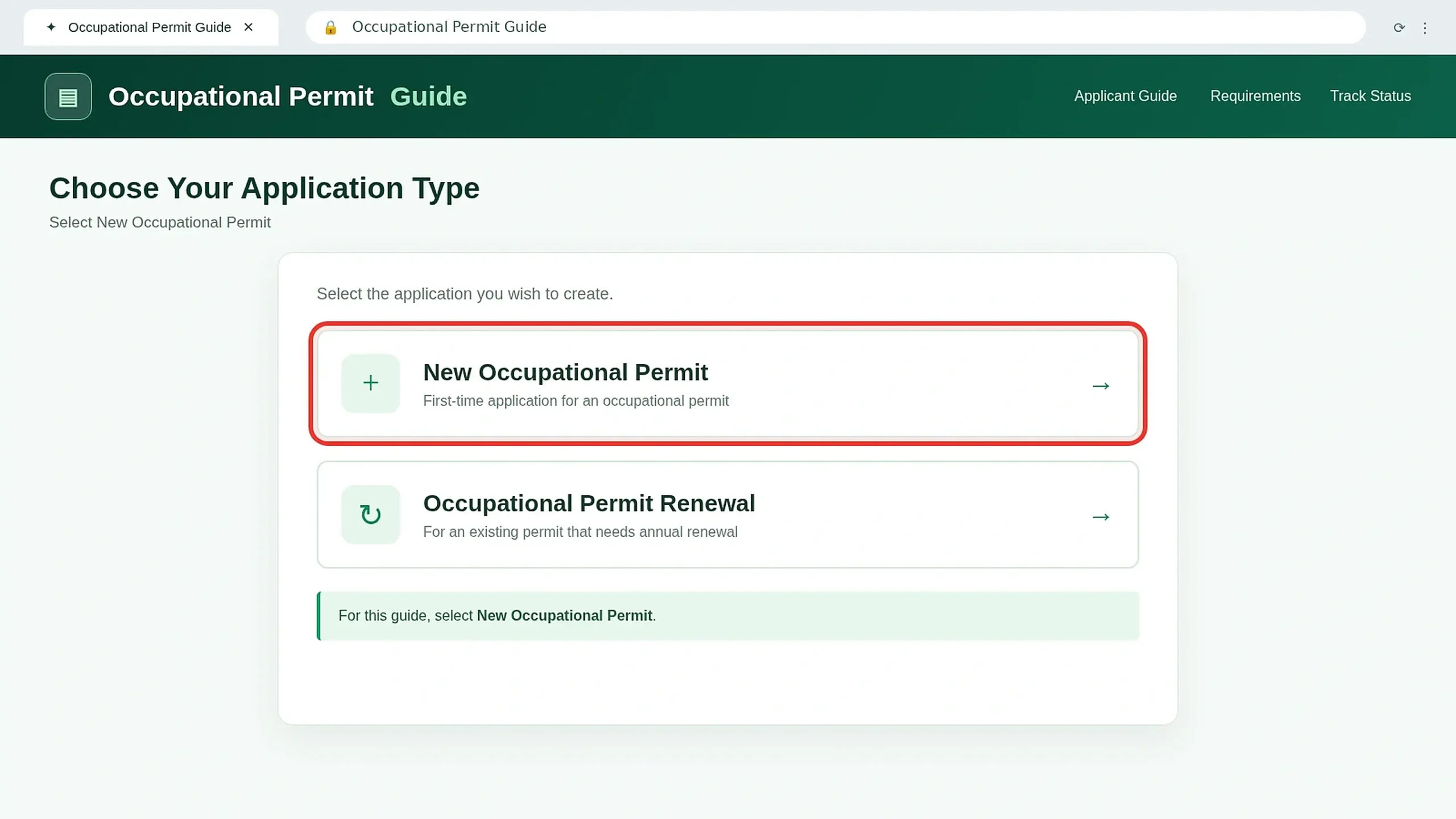
Select "Create Application" and Choose New
The official Charter identifies Create Application for a new permit and a separate Occupational Permit Renewal option. Choose the new application route.
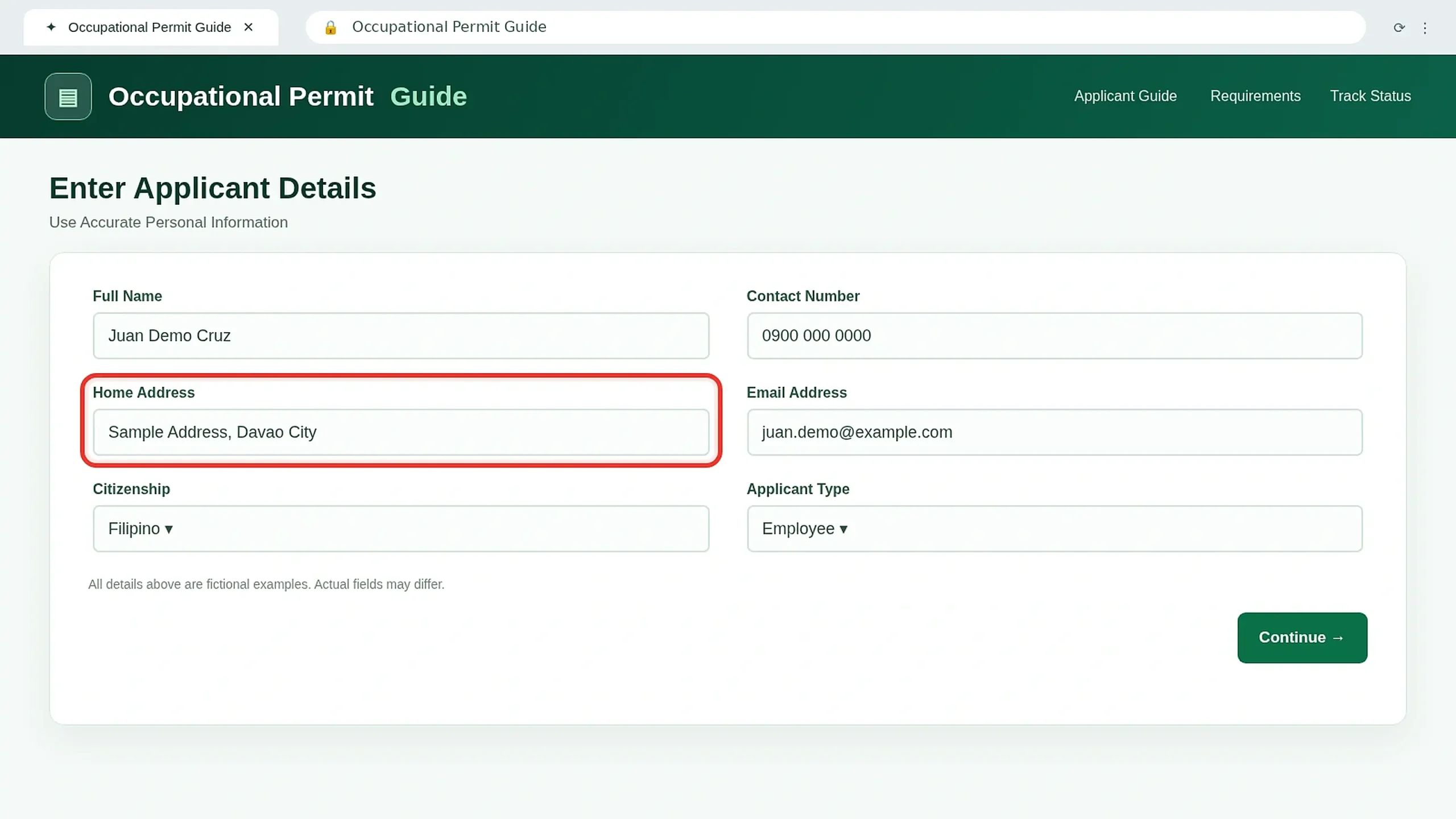
Fill In Your Applicant Information
Enter genuine personal information requested by the form. Check your name, address and other details carefully. Review all entered details carefully before continuing.
Check Your Contact Details
Confirm your email and mobile number if requested. The Charter says an approved permit download link may be sent by SMS or email.
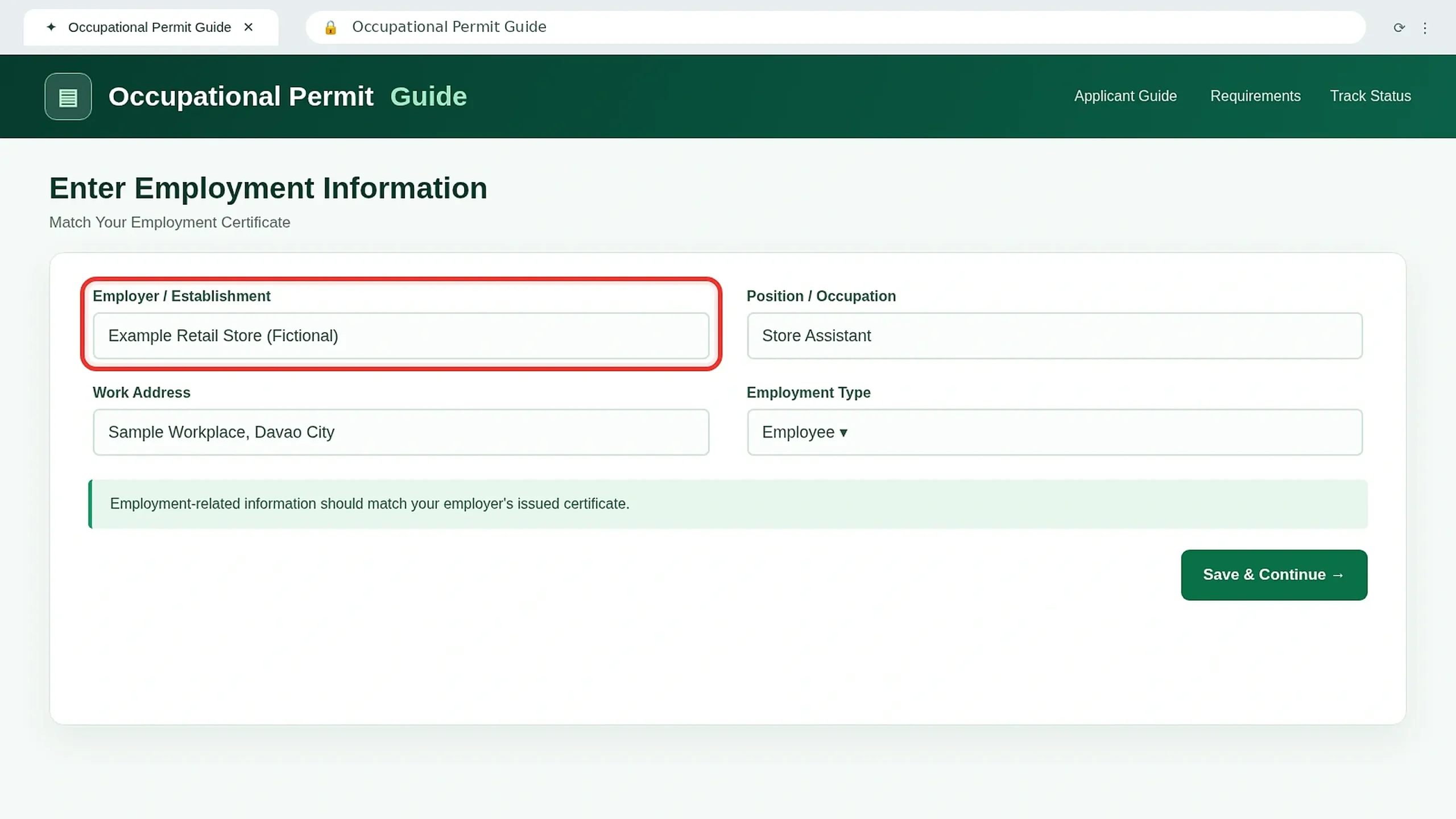
Enter Your Employment Information
Complete the employment fields shown by the live system. Check your job title, employer and workplace information against your supporting documents.
Check the Supporting Document Checklist
The basic requirements include an application form and Certificate of Employment. Some applicant categories need additional records.
Upload the Required Documents
Attach readable supporting documents through the official system. Follow the actual file-format and upload instructions shown there.
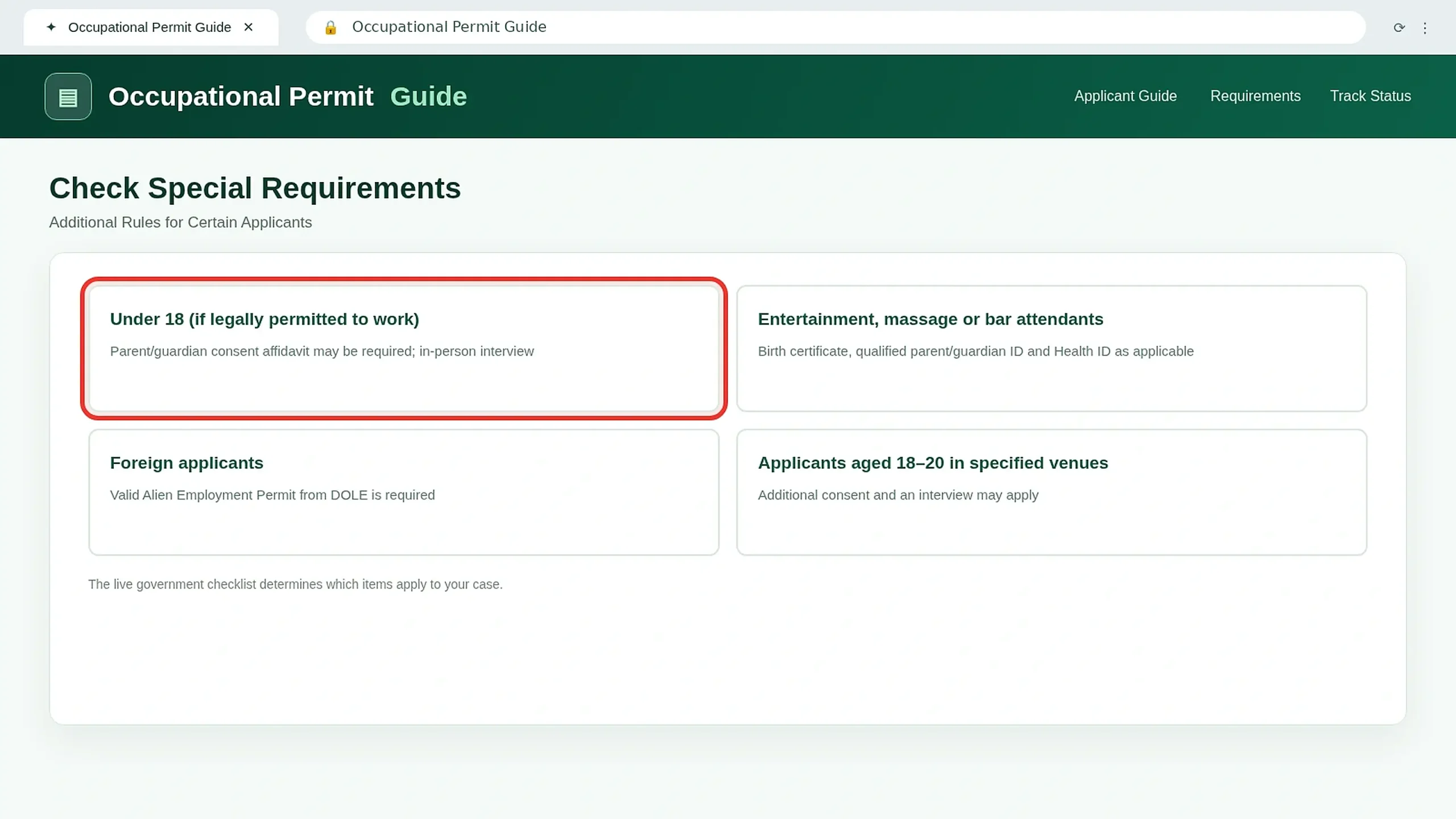
Check Special-Case Requirements
Minors and certain entertainment-related workers may need consent documents, a Birth Certificate, guardian ID, Health ID or an interview.
Foreign applicants must meet the applicable DOLE work-permit requirement.
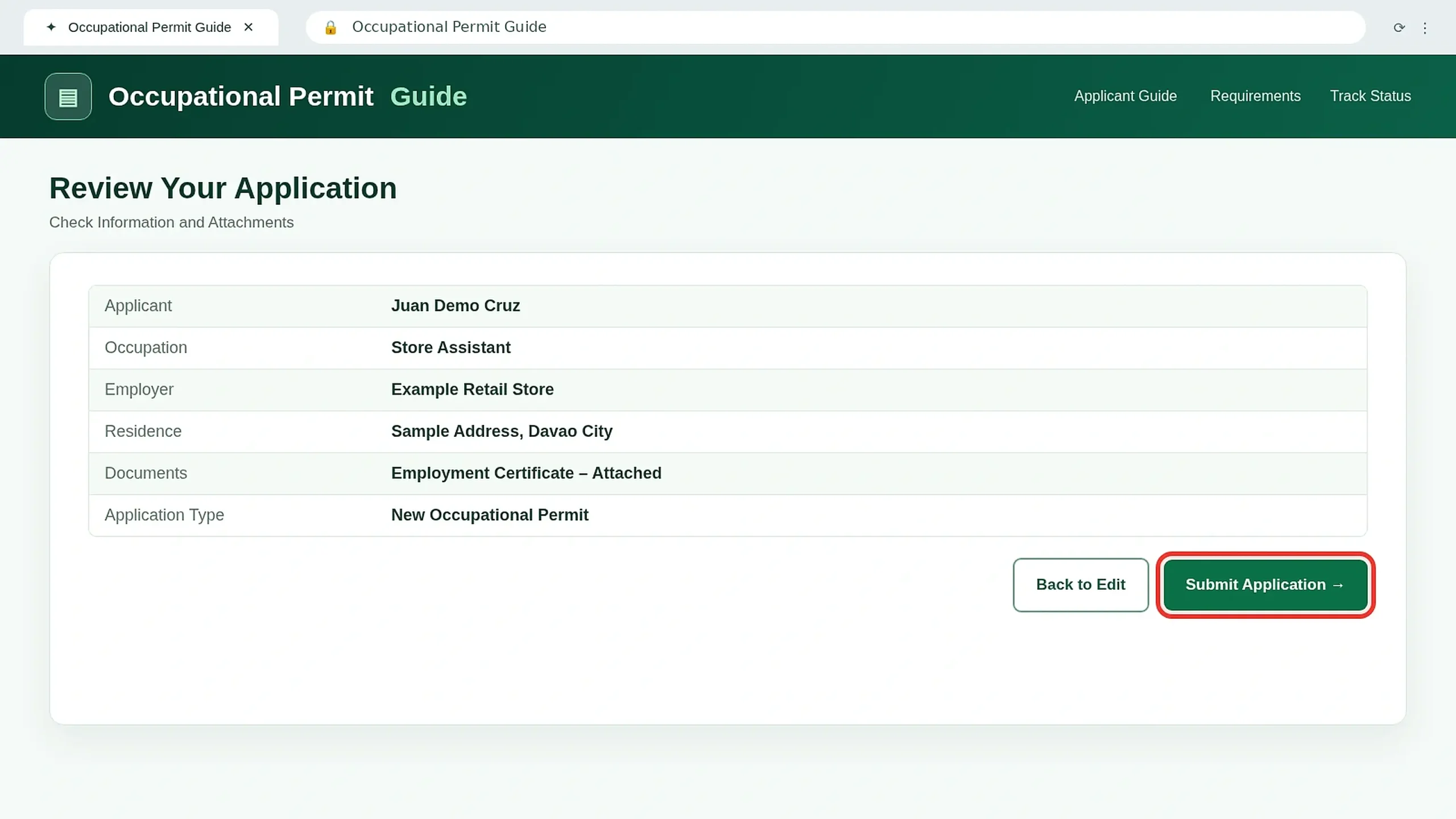
Review the Complete Application
Review your name, occupation, employer and attached documents. Fix any mistakes before submitting.
Submission & Fees
Send the application and follow official payment instructions.
Submit Your Application
Use the live portal’s submission action and keep any official reference provided. A submitted application is not yet an approved permit.
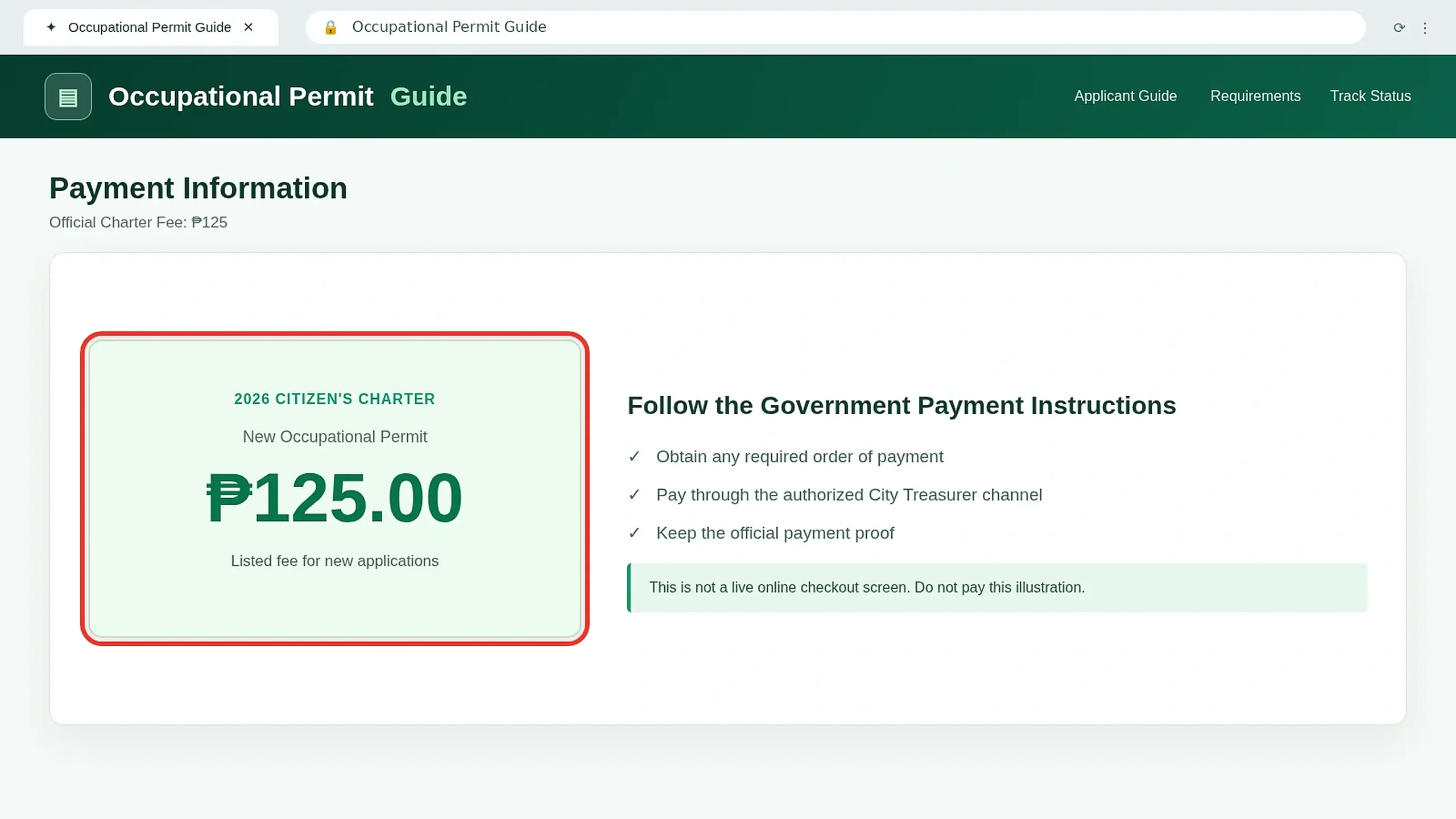
Follow the Official Fee Instructions
The published new Occupational Permit fee is ₱125.00. The Charter documents payment to the City Treasurer’s Office for counter transactions.
For an online transaction, follow the genuine payment instructions provided by the government.
Keep Your Official Payment Receipt
Retain the genuine payment receipt or confirmation supplied through the authorized government channel. Walk-in applications require the applicable receipt.
Status & Approval
Track verification, respond to decisions and receive the permit.
Wait for Application Verification
Business Bureau personnel verify the application and supporting documents. Applicants in specified special categories may also undergo an interview.
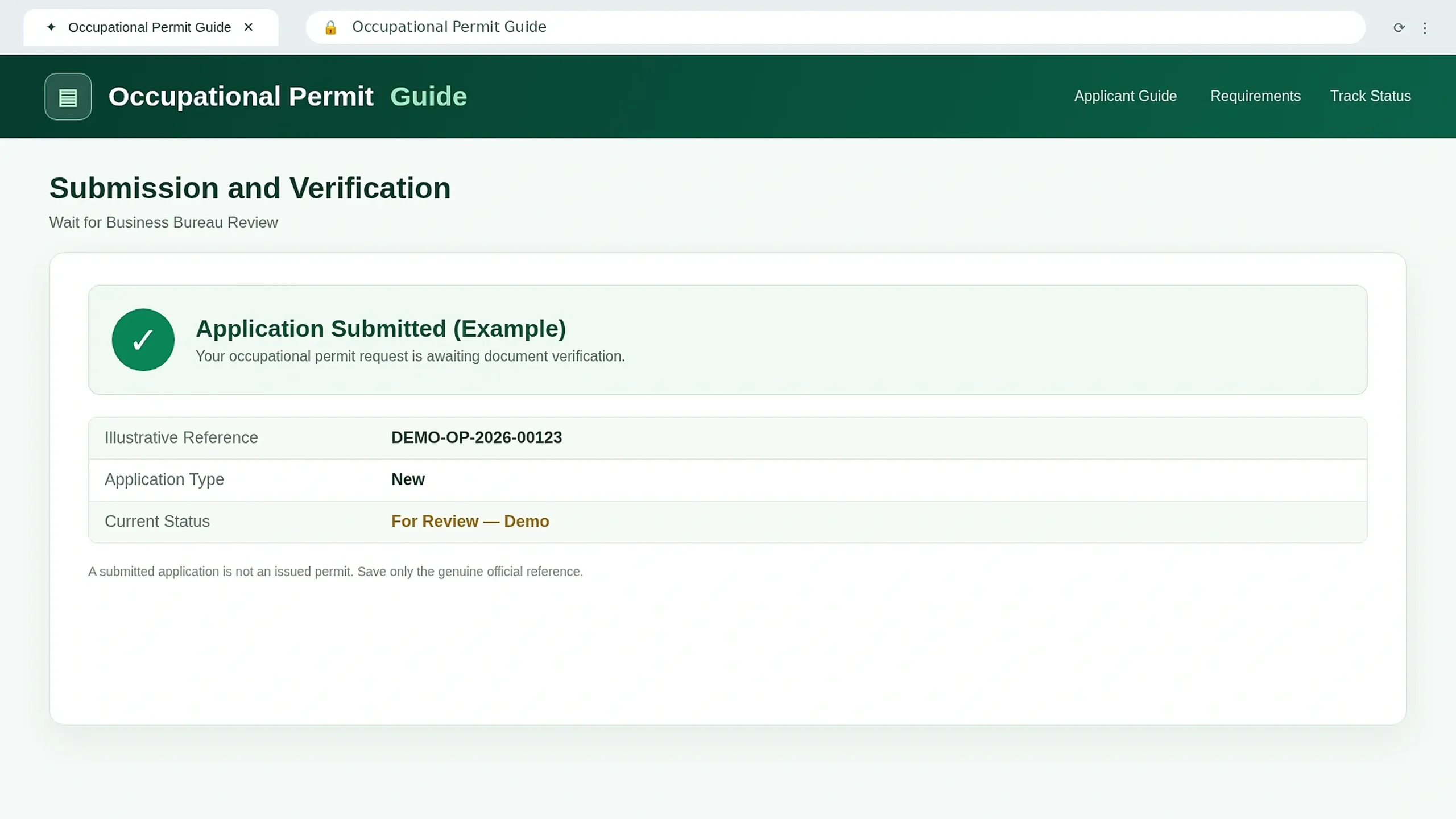
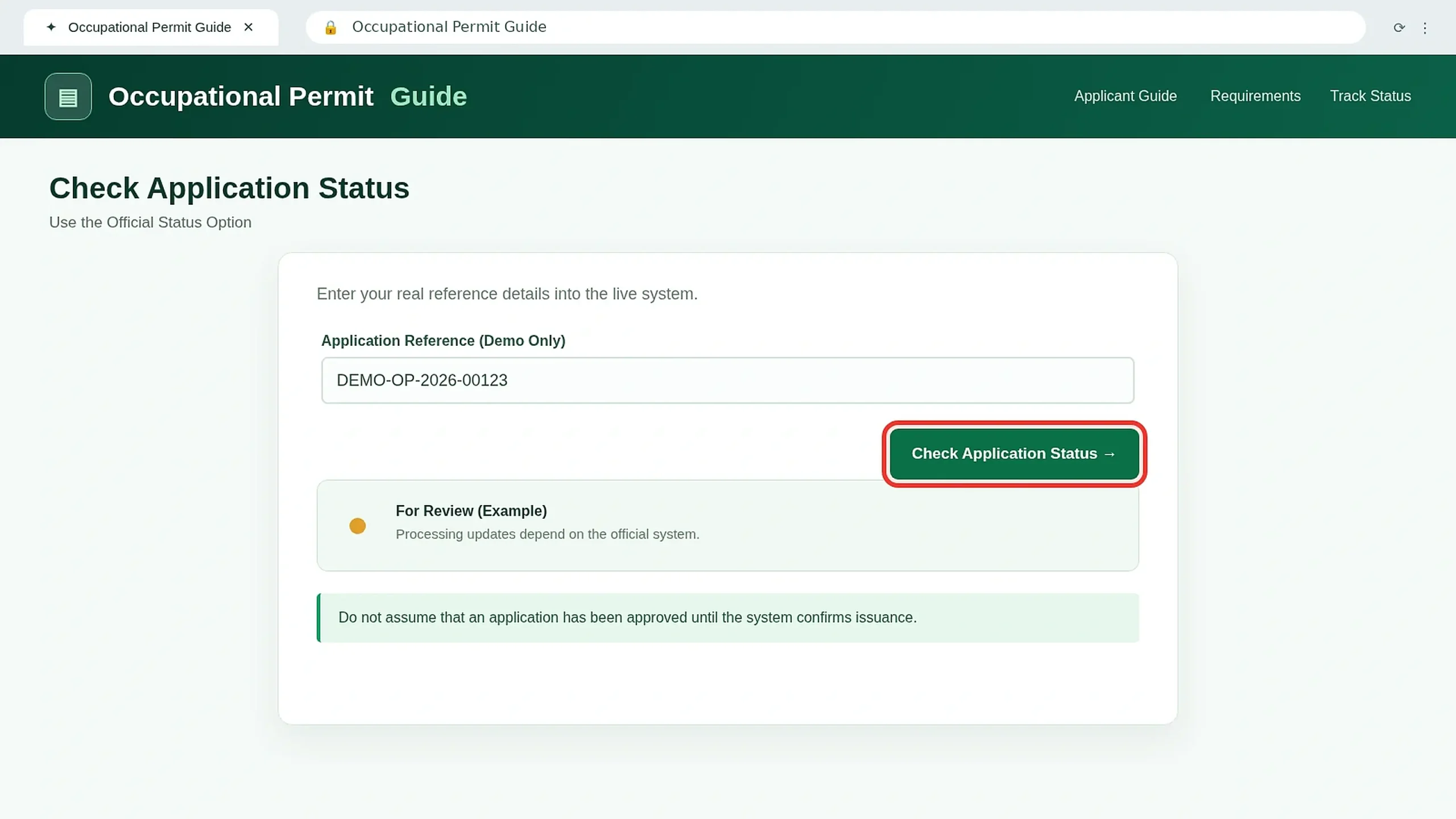
Use "Check Application Status"
Return to the official system and choose Check Application Status. Follow the instructions to view the current decision or update.
If Denied, Follow Reapplication Instructions
The Citizen’s Charter provides for returned documents and a denied application form. Resolve the problem identified by the Business Bureau before reapplying.
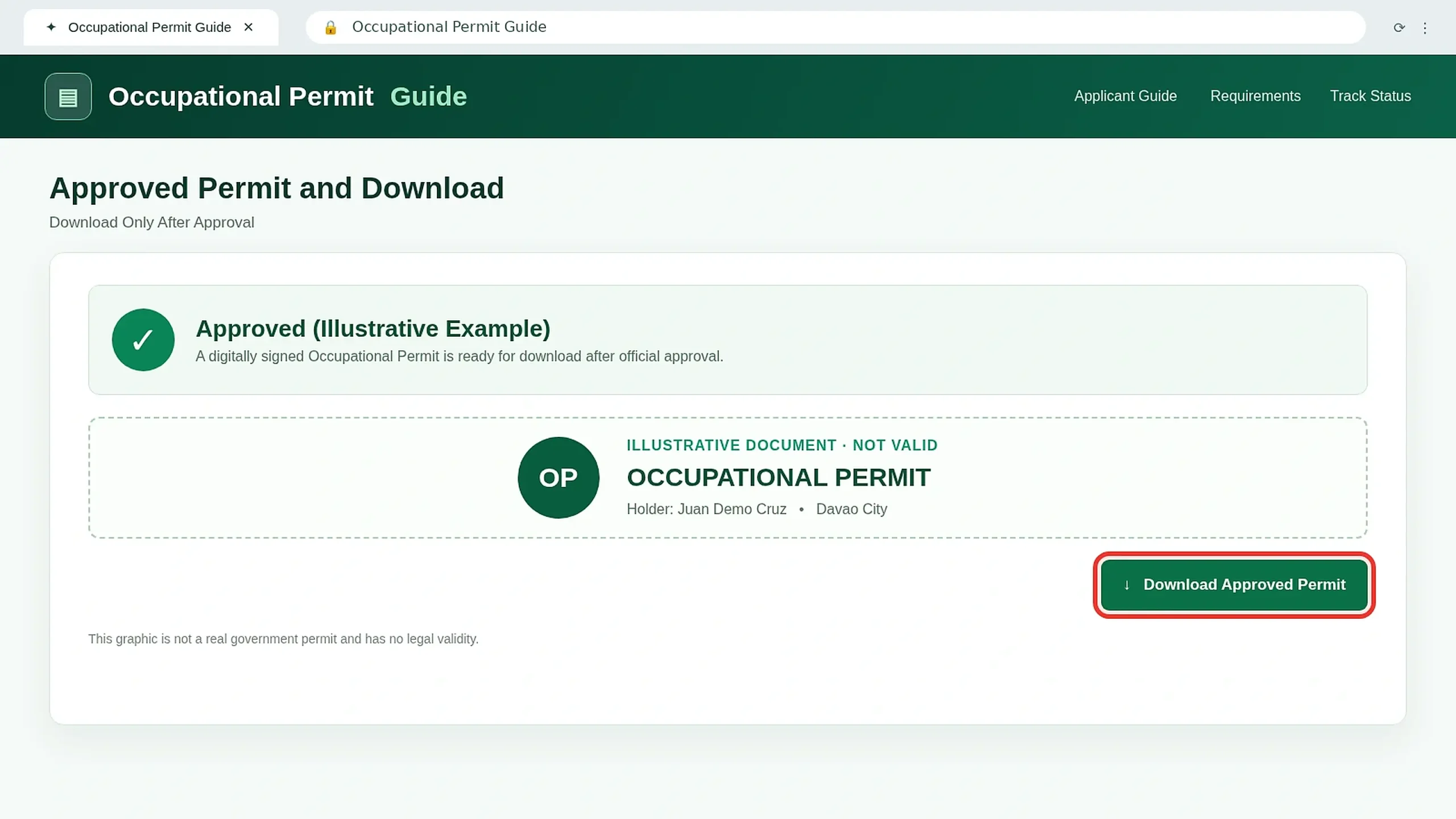
Download Your Approved Occupational Permit
Once officially approved, an online Occupational Permit is digitally signed and ready for download.
Use the government status screen or genuine email/SMS link, then check your information on the issued document.
Save Your Permit and Remember Renewal
Keep the approved permit safely. The 2026 Charter specifies annual renewal on or before January 31, with a 25% late-renewal penalty.
Because some older official guidance mentions a different January deadline, verify the current renewal schedule with the Business Bureau.
Prefer to Apply In Person?
The 2026 Citizen’s Charter also provides an onsite application route.
Walk-In Application Process
- 01Request the form, checklist and Order of Payment from the Business Bureau.
- 02Pay the assessed permit fee at the City Treasurer’s Office.
- 03Complete the form and submit the required documents and receipt.
- 04Attend an interview if required.
- 05If approved, collect the printed Occupational Permit. If denied, follow the reapplication instructions.
Office, Fees & Processing
Office: Business Bureau, Ground Floor, Sangguniang Panlungsod Building, San Pedro Street, Davao City.
New Permit Fee: ₱125.00.
Late Renewal: ₱156.25 according to the 2026 Charter.
Processing Time: 5-minute pre-assessment, 14-minute verification and 14-minute decision or release: 33 minutes total. Waiting and additional compliance can take longer.
Common Occupational Permit Problems
Select a problem to see the recommended next step.
01Portal Not Opening
Use the official Business Bureau directory if the online system is unavailable.
02Employment Certificate Missing
Request an authentic Certificate of Employment from your employer.
03Consent or Interview Required
Follow the relevant age and occupation conditions before submitting.
04Payment Instructions Unclear
Confirm the authorized collection process through government channels.
05Application Denied
Ask for the reason, correct the issue and follow the reapplication procedure.
06Permit Download Not Available
Confirm approval using the official status service before contacting the Business Bureau.
Ready to Apply for Your Occupational Permit?
For assistance, contact Davao City Business Bureau at (082) 241-1000 local 377/378 or [email protected].
Official reference: Davao City Citizen’s Charter 2026, Volume I, pages 95–97. DavaoCityPortal.org is an independent informational website. Related sections on this page: New Business Permit · Business Permit Renewal.